Fuel Type Setting
When using the recommended 91 non-ethanol gasoline with Polaris Anti-Static Fuel Treatment, always select the PREMIUM setting on the Instrument Cluster.
IMPORTANT
Whenever in doubt of your fuel purchase, use
the NON-PREMIUM / ETHANOL mode.
-
Start the engine.
-
Press and hold the center Polaris button to enter the Options Menu.
-
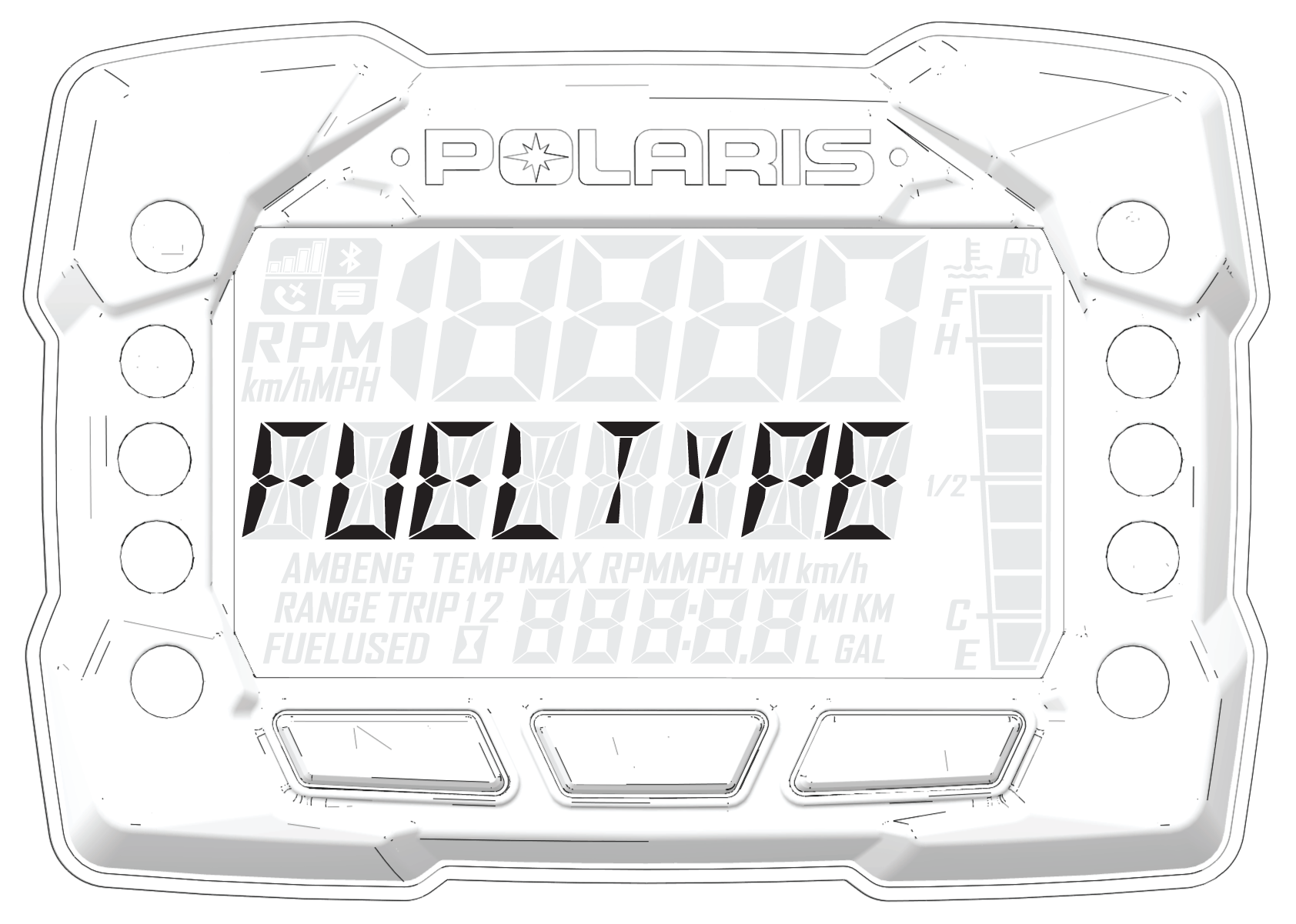
Press and release the MODE button until FUEL TYPE is displayed in the information display area.
-
Press and release the SET button to toggle through available options until the desired fuel type is displayed in the information display area.
- To exit Options Menu,
press and release the MODE button until EXIT appears in the information display area.
- Press and release the SET button to exit. The fuel type being displayed is the active fuel type.