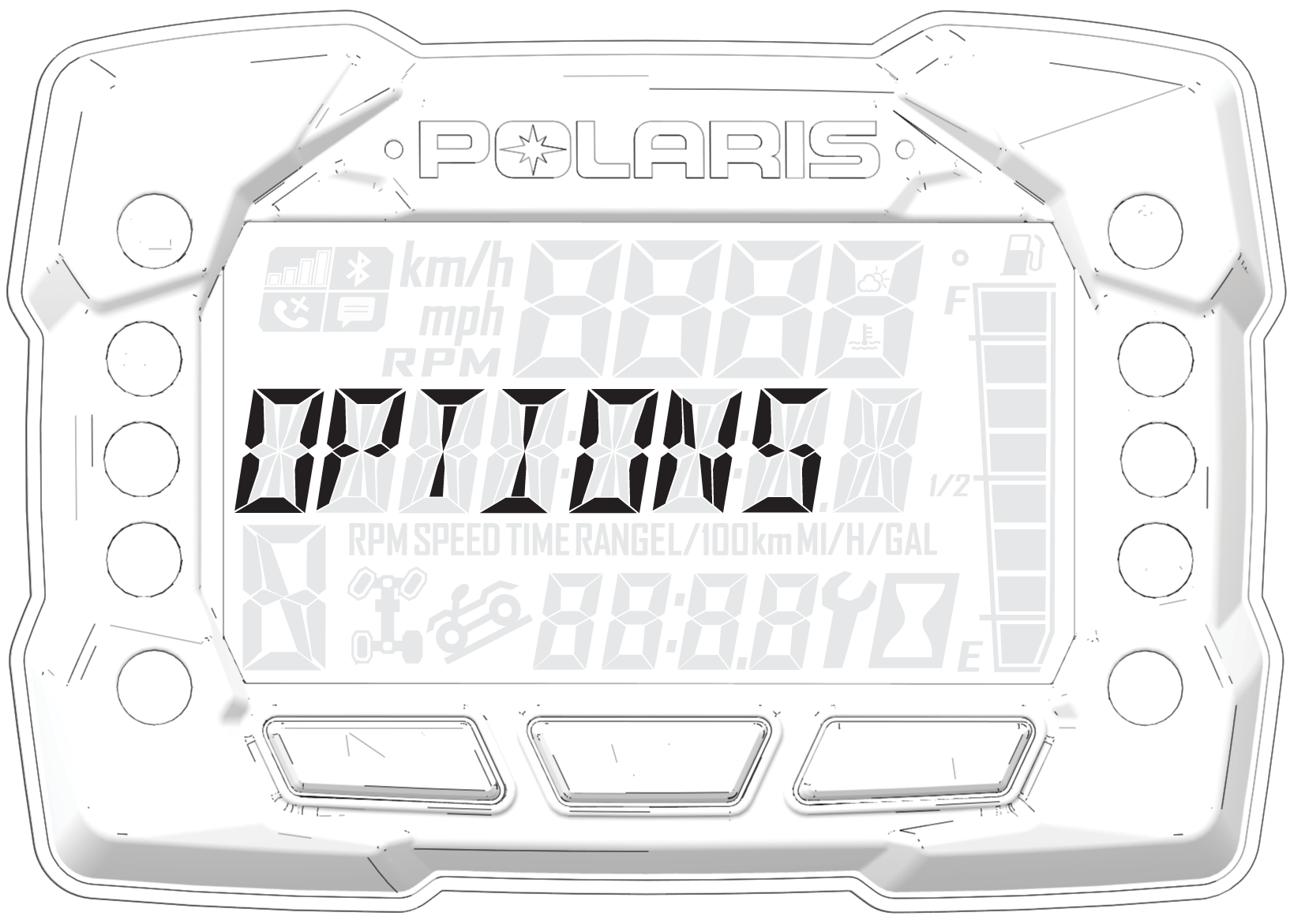
Options Menu
From the options menu you can view
diagnostic codes, access the advanced menu, set the clock, and much
more. For a full list of available options see below.
To enter the Options Menu, press and hold the MODE
button.
| Options Menu | Notes |
|---|---|
|
Diagnostic Codes |
Only displays if fault codes are present or stored. |
|
Advanced Menu (if equipped) |
Set maximum speed and geofencing settings. |
|
Units - Distance |
Select MPH or KPH. |
|
Units - Temp |
Select between °F and °C. |
|
Clock (if equipped) |
Select between 12H or 24H and set time. |
|
Backlight Color |
Select between Blue or Red. |
|
Backlight Level |
Set backlight brightness level. |
|
Service Hours |
View / set service hours. |
|
Exit Menu |
Exit. |