Heated and Ventilated Seats (if equipped)
The seat temperature controls can be accessed through the Ride Command display by pressing the menu icon 1 at the top of the main screen or pressing the NorthStar button.
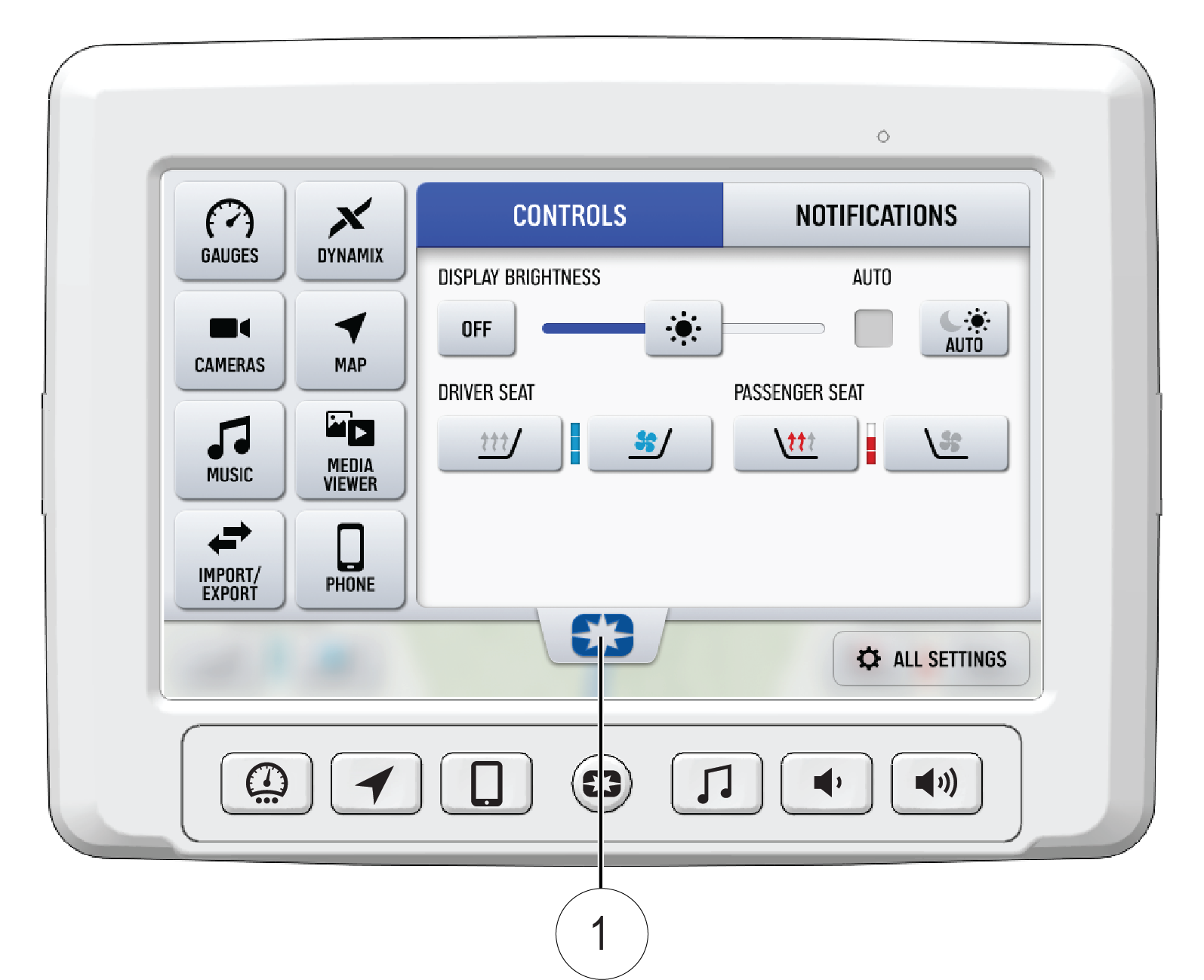
Each seat can be independently controlled by pushing on the applicable seat on the display. The heated seat feature has 3 heat intensities that can be changed by pressing the heated seat icon. To turn the heated seat off, press the icon until no bars or indicators are present.
The ventilated seat feature has one setting that can be turned on and off by pressing the ventilated seat icon.