Heated Grips
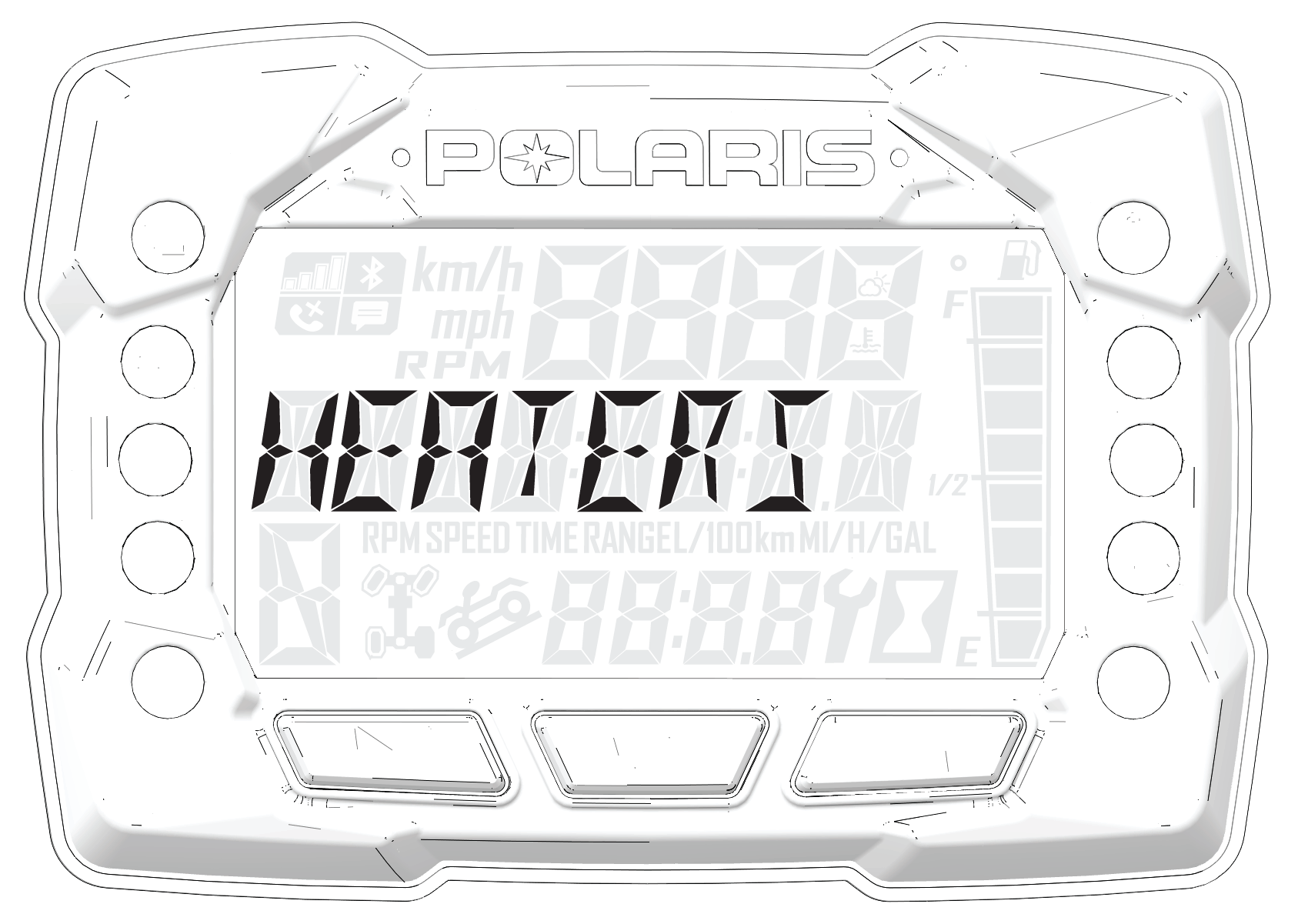
Activate Heated Grips
To activate the heaters in three individual SmartWarmers heated grips: the left hand grip, right hand grip, and right thumb throttle lever. The warmers automatically adjust with the ambient temperature and wind chill to always keep the temperature of the grips at the preset temperature.
There are four heat settings:
-
Low
-
Medium
-
High
-
Off
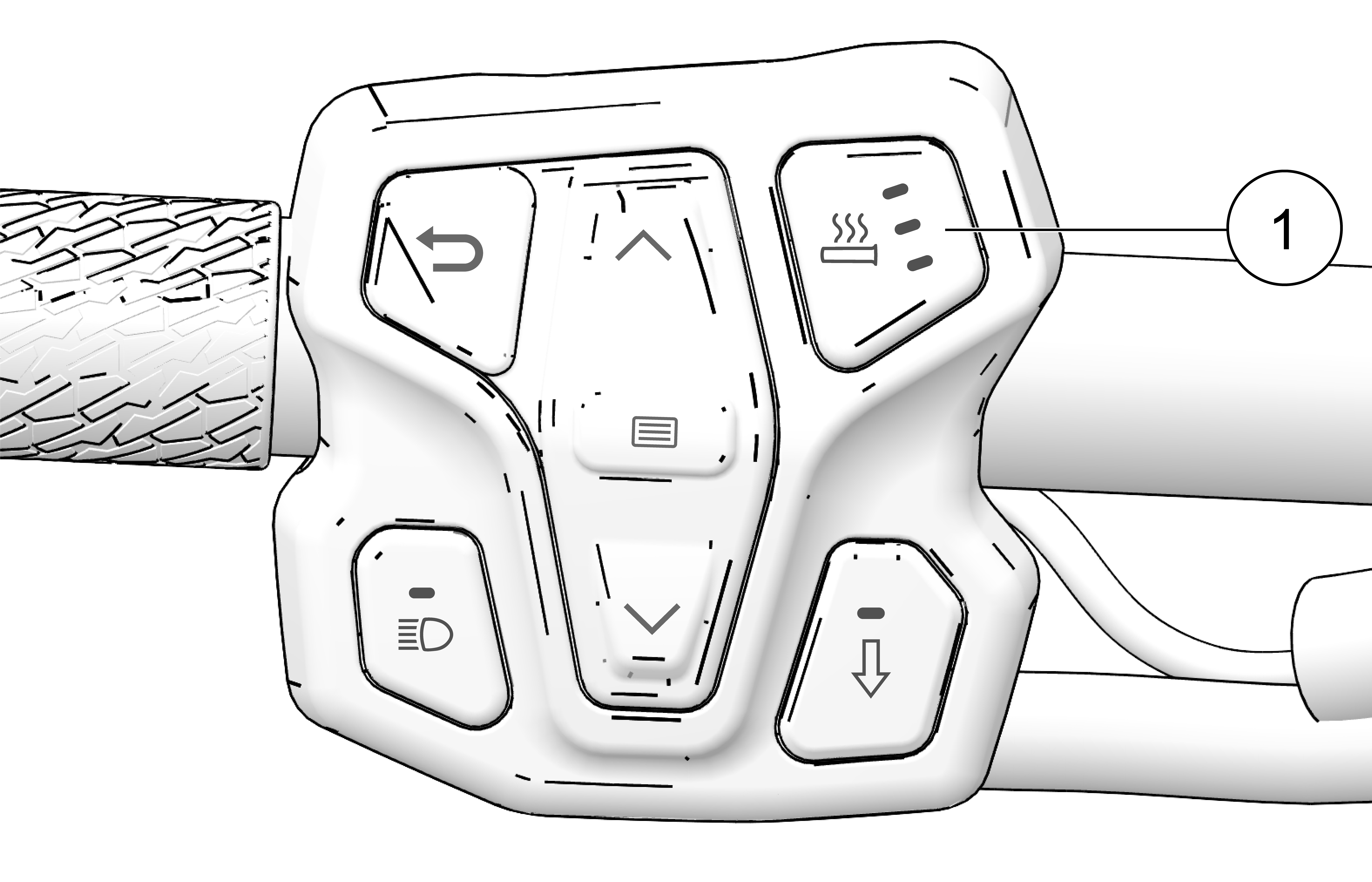
Change the heat level by pressing the Heated Grip button 1 on the left hand controls or by opening the Badge Panel.
The heat levels of the grips are customizable by temperature. To change the heat settings of your hand grips, press the Polaris button to open the Badge Panel.