All Wheel Drive/Rear Differential System
Rear Differential System
If your model is equipped with a lockable differential, you can choose to operate with an open (unlocked) differential or a closed (locked) differential.
-
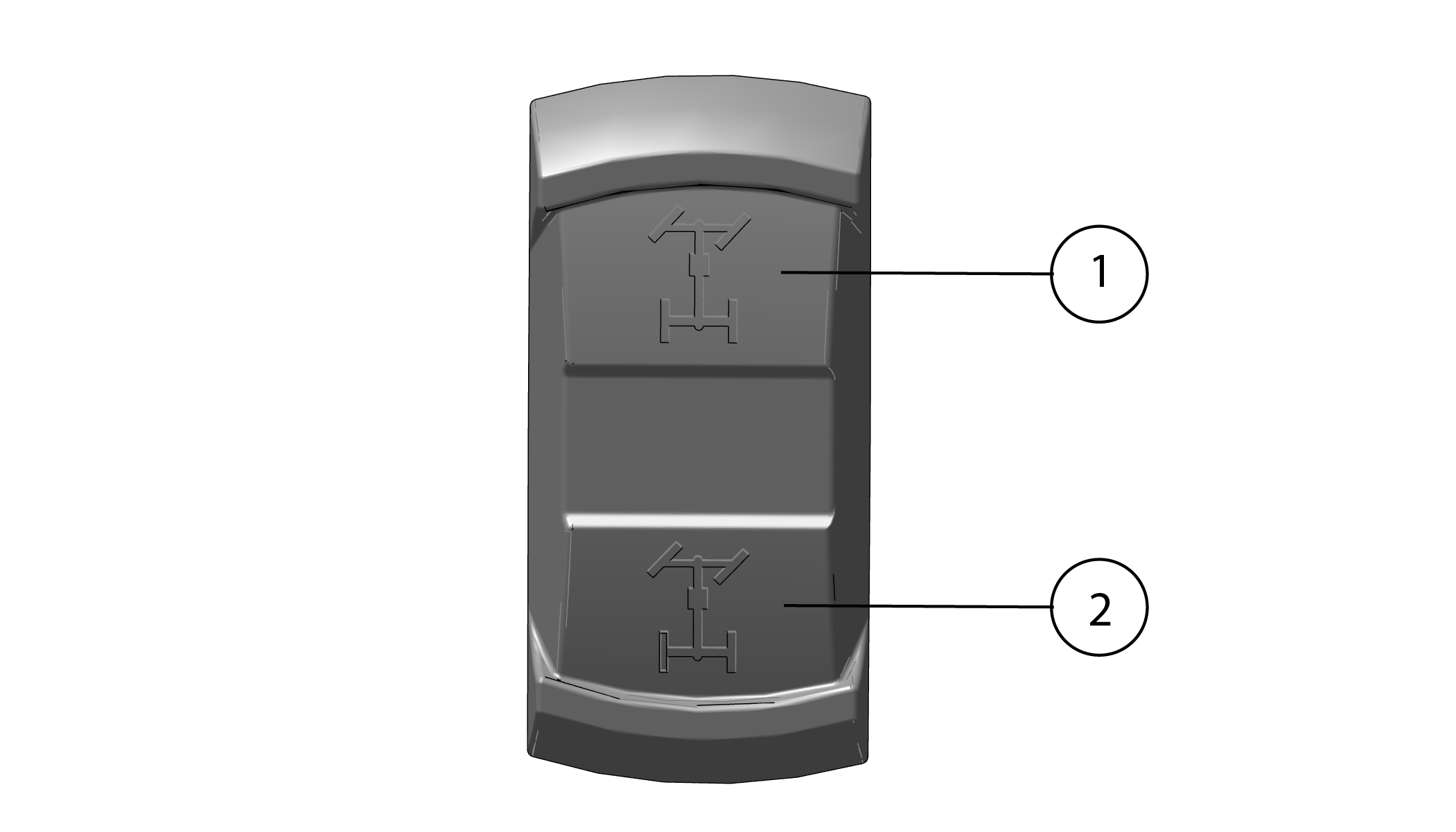
1 Differential Lock
-
2 Differential Unlock (TURF Mode)
Locked Rear Differential (4WD)
To operate in 4 Wheel Drive (4WD), press the top of the drive mode switch 1 to lock the rear differential. Your vehicle will now be in 4WD. Drive mode can also be verified on the instrument cluster by two empty front wheels and two solid rear wheels. Locking the differential in slippery or low traction conditions will help to improve traction. When the differential is locked, both rear wheels rotate at the same speed.
Unlocked Rear Differential (TURF Mode)
To operate in TURF mode, press the bottom of the drive mode switch 2 to unlock the rear differential. Your vehicle will now be in TURF mode. Drive mode can also be verified on the instrument cluster by two empty front wheels and one solid rear wheel. When operating in TURF mode, the inside wheel will rotate independently from the outside wheel during turns. Operate in TURF mode only as needed on smooth, level surface to prevent tire damage.
Auto Locking Front Drive (ALFD)
This unit is also equipped with an Auto Locking Front Drive (ALFD) system. The ALFD system is a limited slip differential that is always active and not user selectable. During an event where one or both front wheels may lose traction, the difference in wheel speed will automatically apply power to the slower spinning wheel , “locking” or closing the front drive. When the lock is no longer required, the ALFD will automatically release and “open” the front drive system back up.
.