Configure Gauge Screen
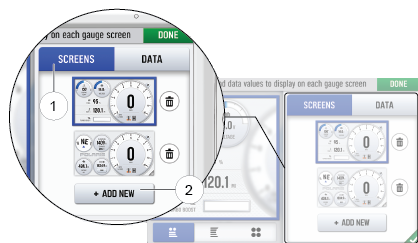
The display allows up to four customized gauge screens. All but one screen can be deleted; one will always remain as the default.
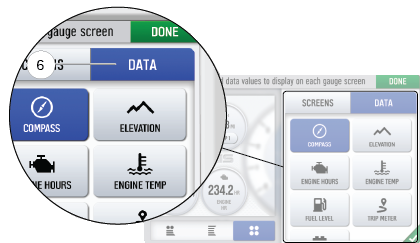
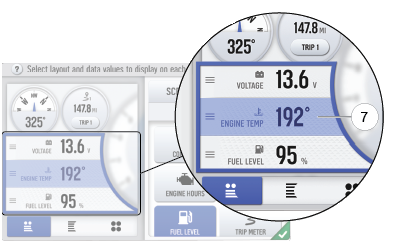
Follow the instructions below to create customized gauge screens.
|
|
|
|
|
|
| Icon | Description |
|---|---|
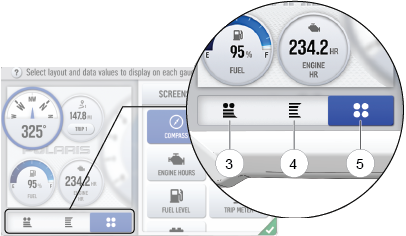
| 3 | Two circular widgets and up to three linear widgets. |
| 4 | Up to five linear widgets. |
| 5 | Four circular widgets. |
|
|
|
|
|
|
-
Click the green check mark or Done to close the configuration panel.