Display Brightness / Mode
Display Brightness
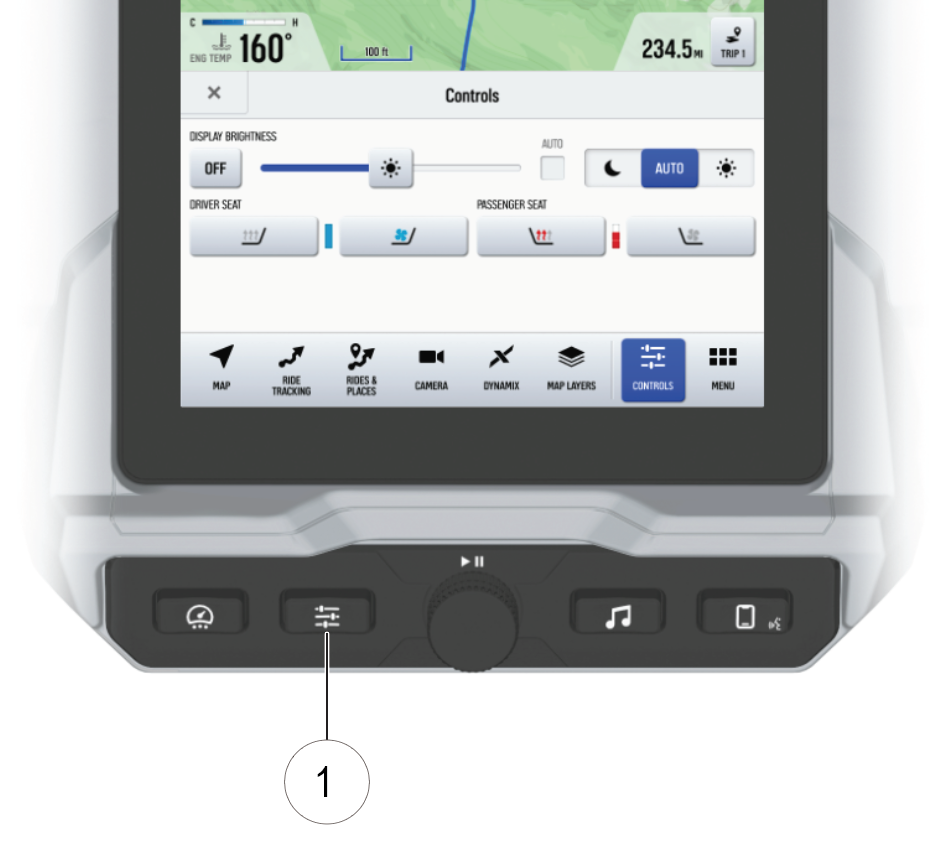
Press the Controls button 1 to adjust the display brightness. Tap the AUTO check box to allow the screen to automatically adjust the brightness level based on ambient light conditions.
Display Mode
Press the Controls button 1 to select the display mode. The display can be set to Day, Night, or AUTO mode. AUTO mode changes the display mode based on ambient light conditions.
Day Mode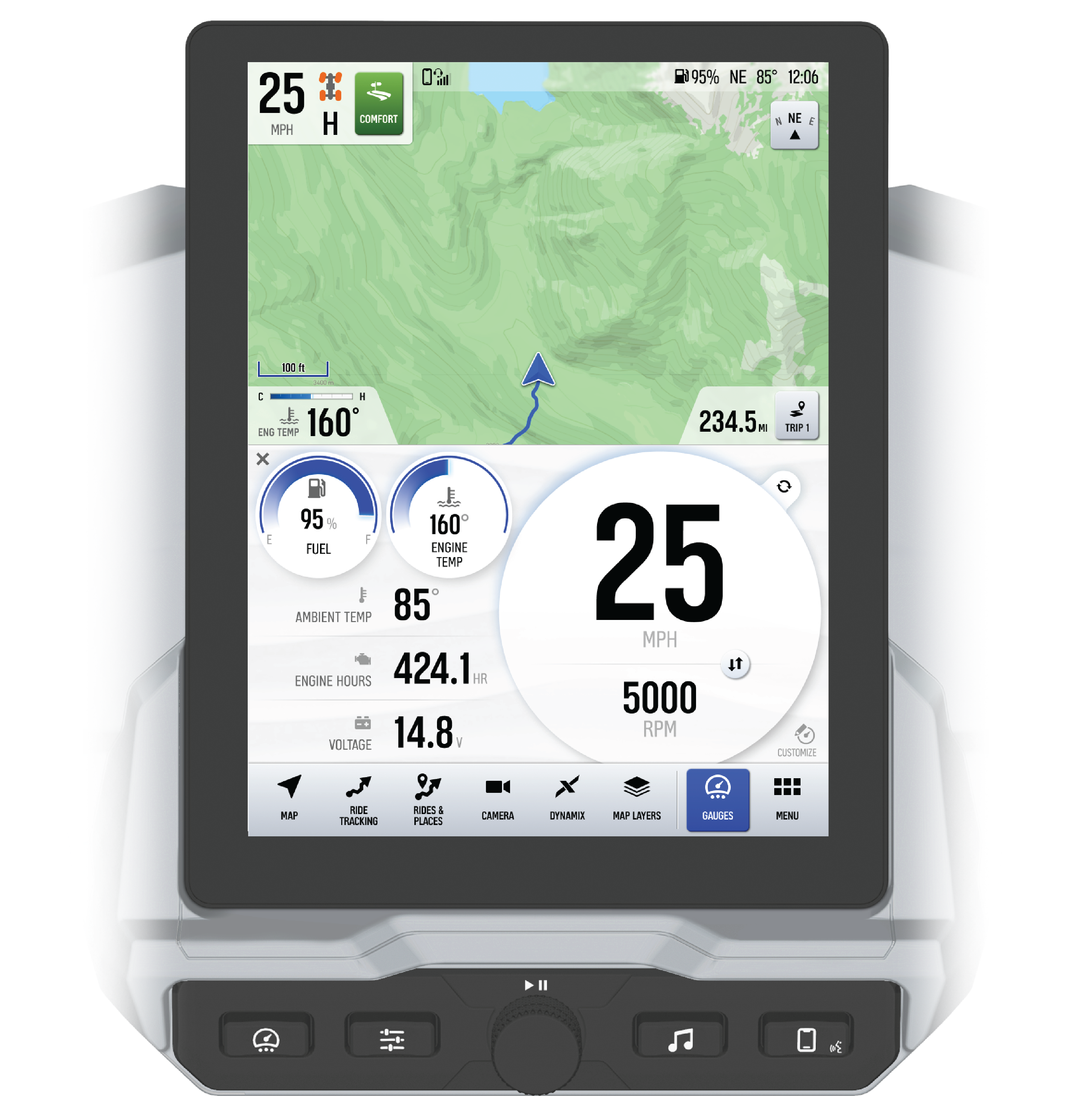
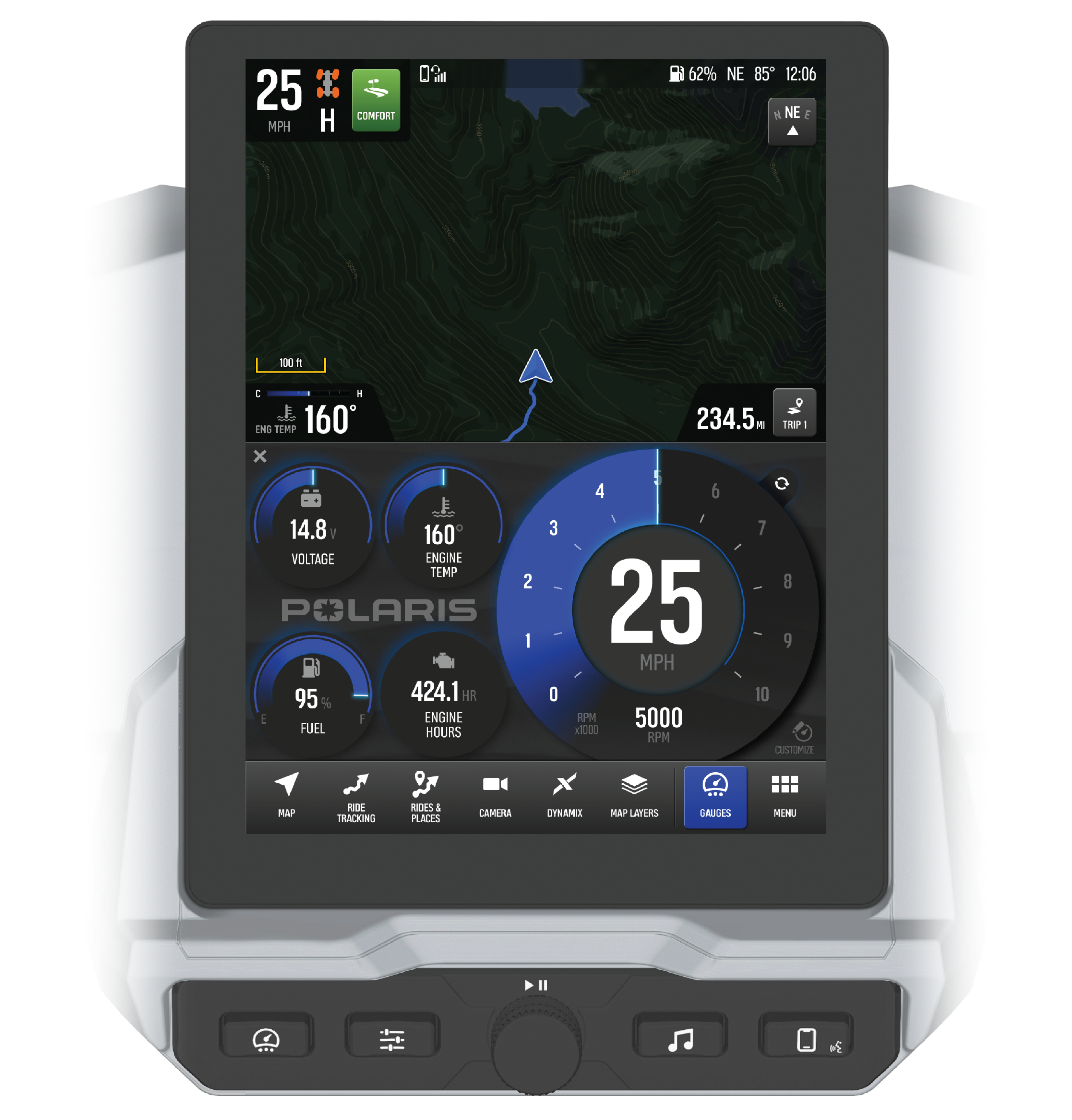
Night Mode