Tabuleiro de aplicações
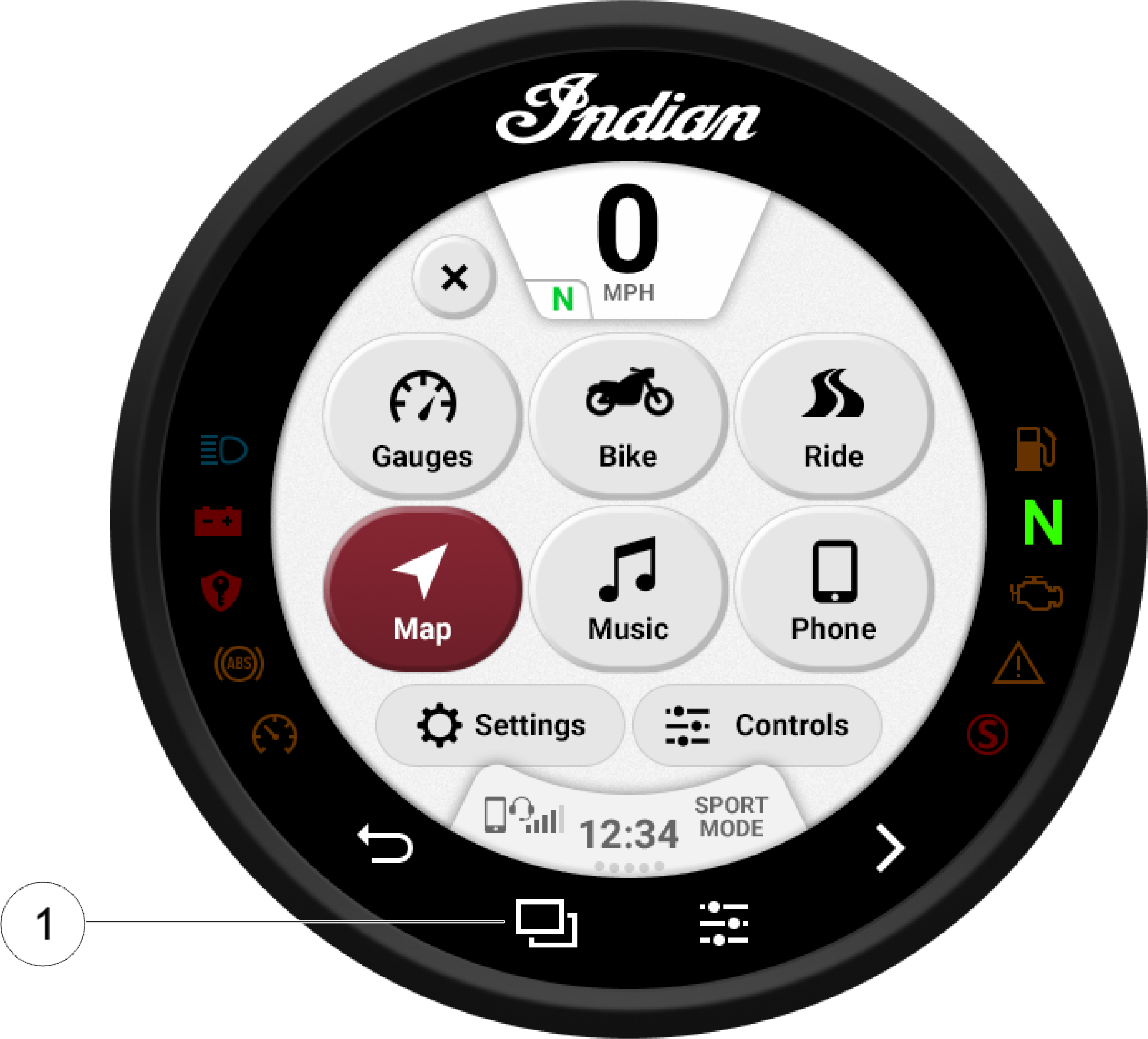
Premir o botão físico do Tabuleiro de aplicações 1 para percorrer os ecrãs da aplicação disponíveis.
Definições
No menu “Settings” (definições) pode consultar-se informações importantes sobre o veículo e personalizar o display com ecrã tátil. O menu “Settings” (definições) é composto por quatro categorias: informação, geral, hora e veículo.
Telefone
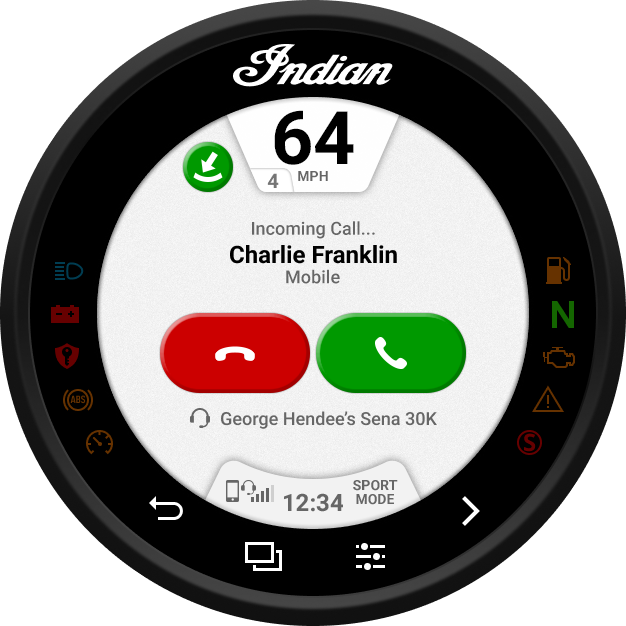
Se o display Ride Command for ligado a um telefone através de Bluetooth®, o ecrã Telefone estará disponível no Tabuleiro de aplicações. No ecrã telefone é possível fazer e atender chamadas, bem como ver mensagens de texto.