Fuel Type Selection
If using 91 non-ethanol gasoline with Anti-Static Fuel Treatment, select the 91 PREMIUM / NON-ETHANOL setting. For all other fuels, select the NON-PREMIUM / ETHANOL setting.
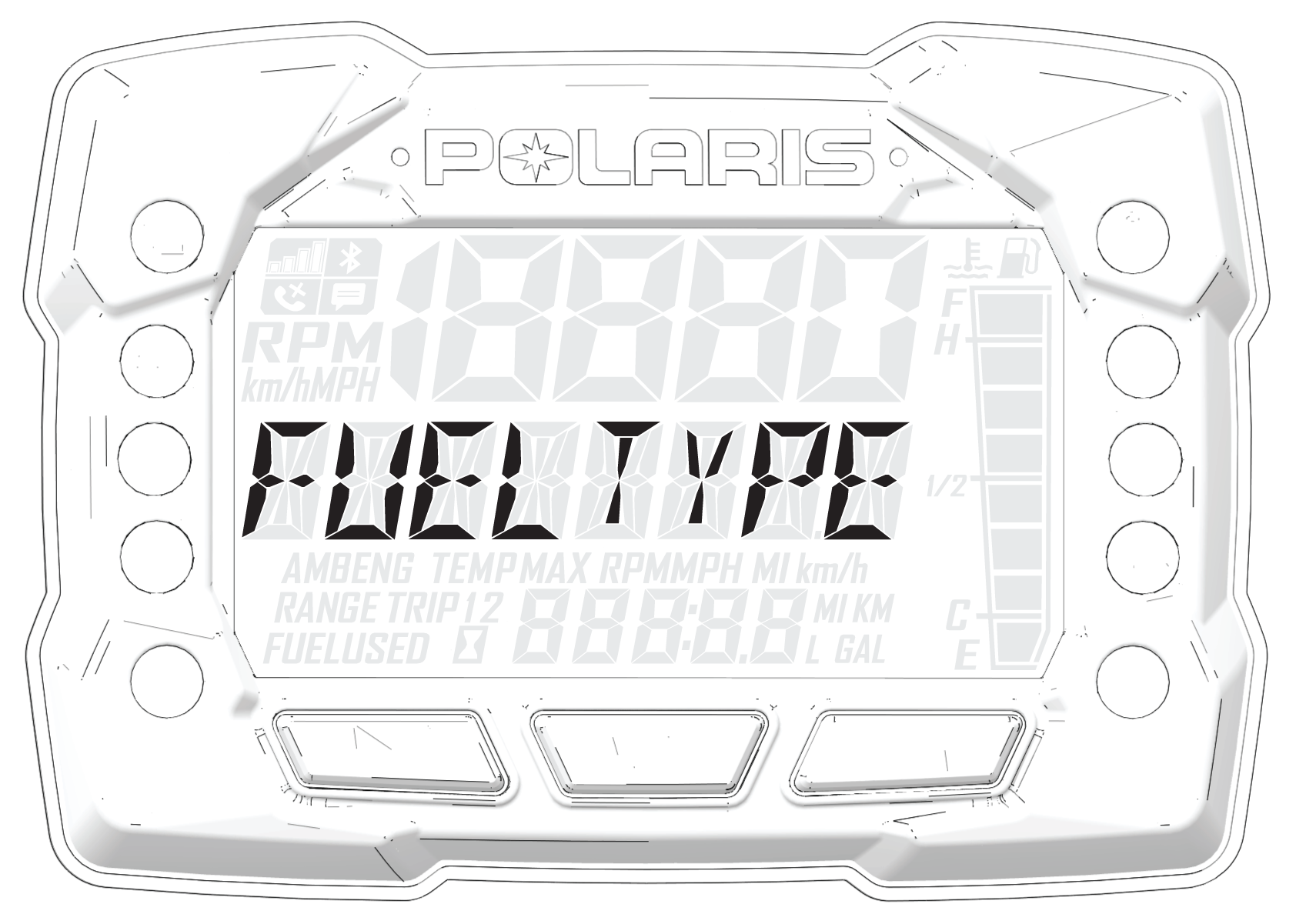
Use the following procedure to change the fuel type designation in the gauge. Refer to the fuel type selection label located inside the left side panel.
-
Start the engine.
-
Press and hold the center
 button to enter the Options Menu.
 -
Press and release the MODE button until FUEL TYPE is displayed in the information display area.
-
Press and release the SET button to toggle through available options until the desired fuel type is displayed in the information display area.
- To exit Options Menu,
Press and release the MODE button until EXIT appears in the information display area.
- Press and release the SET button to exit. The fuel type being displayed is the active fuel type.