Traction Control
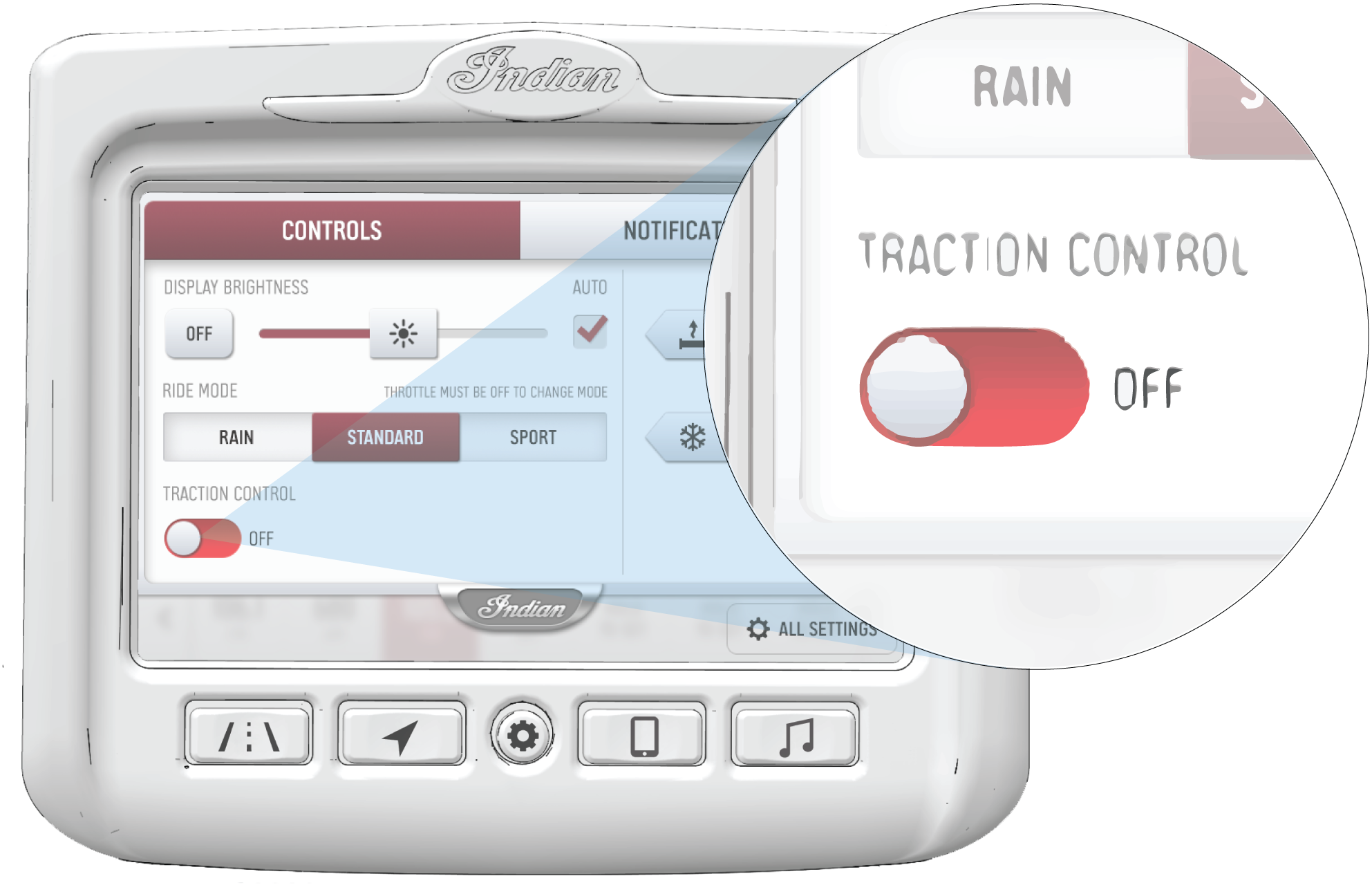
To disable the Traction Control, do the following:
-
Press the Menu/Control button to bring up the Control Panel.
-
Tap on the Traction Control toggle switch to disable Traction Control.
-
A prompt will appear asking you to confirm that you want to disable the Traction Control. Press DISABLE to confirm.
NOTICETraction Control will not become disabled until the throttle is released. -
To re-enable Traction Control, press the Traction Control toggle switch again.
NOTICE
Traction Control is automatically enabled after
every power cycle of the bike.